TweaX explains settings and helps investigate PC issues.
Bluetooth is not working
If your Bluetooth is not working, I can suggest a few solutions to the problem:
Start by checking whether Bluetooth is enabled and whether Windows shows an error. The next steps depend on what you find.
Transparency
See the current state of supported settings and review what you are about to change.
Enabled
Will be disabled
BoosterX was designed for convenience. Simplicity is our key.
Save it!
Save supported settings in a profile and apply them again when needed.
Need to know what the function does? Easy!
Function 1
Will be disabled
Path
Key
Type
We help. We search. Together.
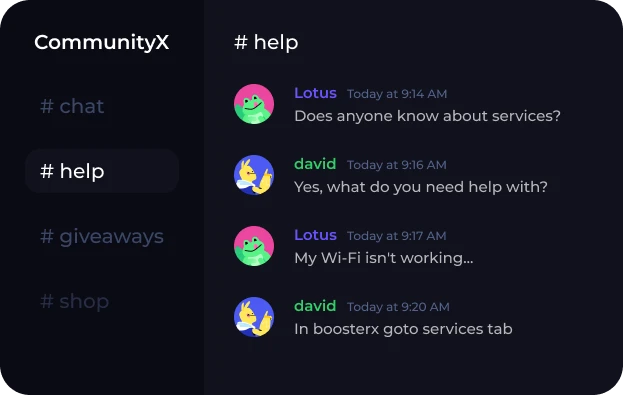
In CommunityX we discuss Windows settings, share practical experience and help investigate problems. Describe your PC, the changes you made and what happened so others can help.
BoosterX brings together Windows settings, background activity controls and practical tools. You choose which changes to apply and review their effects before confirming.
Reducing unnecessary background load may help, but an FPS increase is not guaranteed. The result depends on your hardware, drivers, game settings and what limits performance. Compare measurements under the same conditions.
Read the warnings and keep the features you use. Prepare a recovery profile and, if needed, a Windows restore point. A setting can affect your workflow even if it is not marked as critical.
Start with the Optimal quick method in Safe mode. It selects a basic set of settings for you to review before applying. The questionnaire and manual selection are also available when you want more control.
Many supported settings can be restored from a recovery profile. The options depend on the action: cleanup does not bring deleted files back, and removed apps may need to be reinstalled. A profile is not a full system backup.